Phone or Laptop: Where to Edit Each Kind of Photo
The desktop editor is not dead. The phone editor is not toy. Here is the honest line between them so you stop wasting time picking the wrong tool.
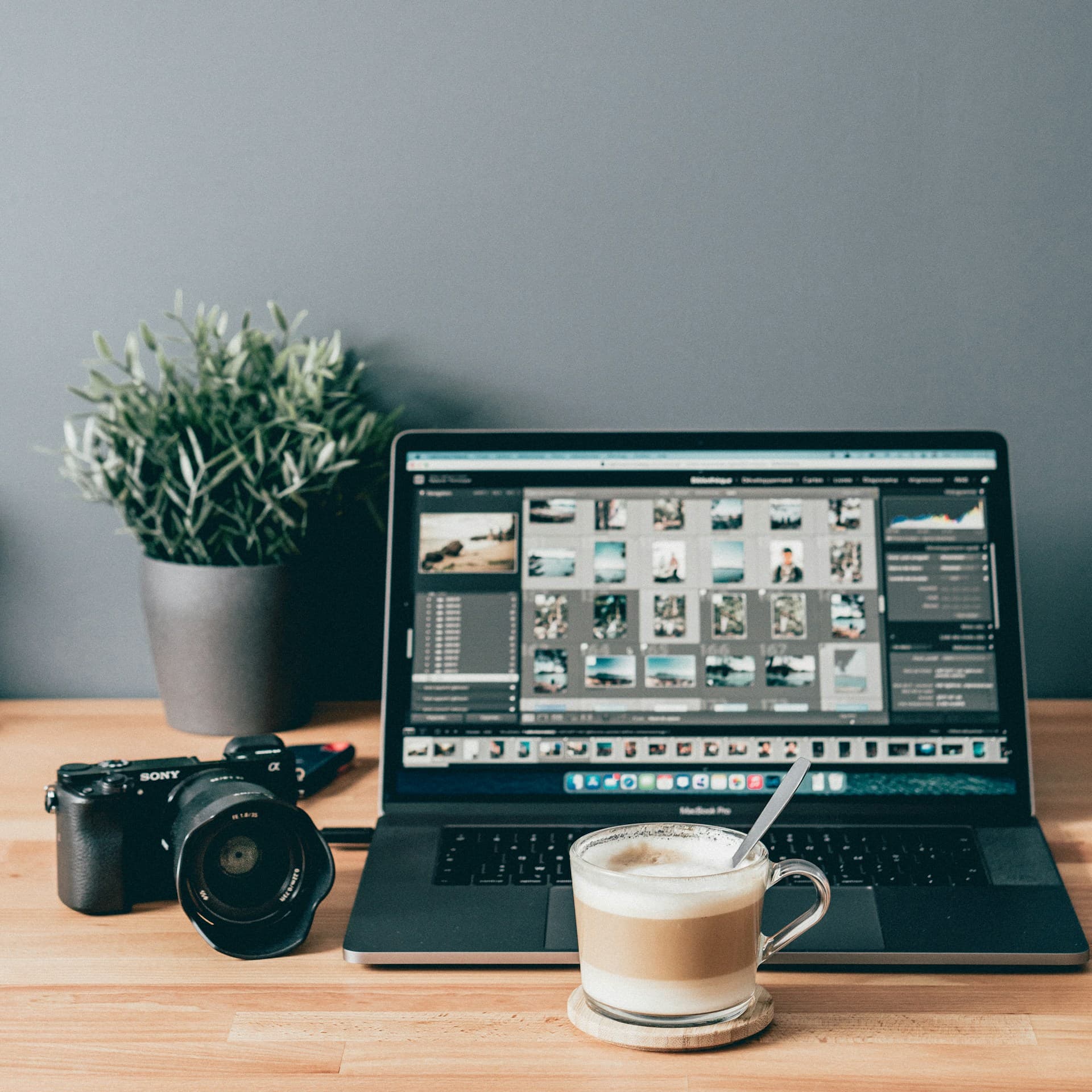
Half the photo editing world wants to convince you that phones have killed the desktop. The other half wants to convince you that anything not edited on a 27-inch monitor is amateur work. Both are wrong, and they are wrong in the same way: they pretend it is one decision.
It is not. The honest answer is that some photos belong on the phone and some belong on the laptop, and the difference between them is easy to spot if you know what to look for.
When the phone is the right place
Phones win for any photo you took with the phone and want to share within a few days. That is, honestly, most of your photos.
- Vacation photos you want to send to the family group chat tonight
- Birthday party photos for the parents who could not make it
- Sunset photos you want to post before the sunset is over
- Kid photos for the grandparents
- Concert photos for friends
- Anything where the photo's value drops sharply if you wait three days
The phone is also where the photo already is. No import, no waiting for cloud sync, no folder management. Open the editor, do the edit, post or share. The whole loop takes minutes.
When the laptop is the right place
Laptops still win for three things, and that is unlikely to change soon.
1. Photos you took with a real camera
If you shoot RAW with a mirrorless or DSLR, the desktop editor has more to work with. The shadow recovery and color depth on a real camera RAW are a different sport. You can drag those files onto your phone, but you are throwing away the headroom that made you carry the camera in the first place.
2. The 10 photos a year you want to print
Print quality is where the laptop earns its keep. The bigger screen, the calibrated colors, and the local adjustment tools matter when the photo is going on a wall. For everything destined for a phone screen, the phone is fine.
3. Multi-photo edits that need to look consistent
A wedding album, a portfolio update, a slideshow for a memorial. Whenever a set of photos needs to look like they all came from the same eye on the same day, the desktop's copy-paste settings save real time.
The honest pattern most people end up with
Almost everyone we know who edits a lot of photos uses both. They do not think of it as a workflow. They think of it as obvious. Phone for fast. Laptop for slow.
- Phone: everyday photos, fast edits, share immediately
- Phone: vacation photos edited each evening on the trip
- Laptop: the 10 photos a year that go on a wall
- Laptop: anything shot on a real camera and intended for print or portfolio
What the phone has actually gotten better at
Two things have changed in the last few years and they are why the phone now does so much of the work.
Scene aware AI starts the edit
A modern phone editor reads the photo before it edits. Backlit portrait, blue hour, snowy landscape: each one gets a different starting point. This means the slow part of editing, the first 80 percent, is already done when you open the photo.
Realtime sliders run on the phone's GPU
Sliders update the preview every frame, with no lag, on devices from the last several years. The desktop's biggest historical advantage, the realtime feel of the editor, is gone.
Closing
You do not have to pick. Use the phone for the photos that need to move tonight. Use the laptop for the photos that need to last forever. The tools are good at different jobs and you can use both for what each one is best at, without taking a side in an argument that does not matter.